Build a little Topsy Town
Choose a world and build a picture design together. Then change it and see what the wind does.
Updated October 14, 2026Open the game ↗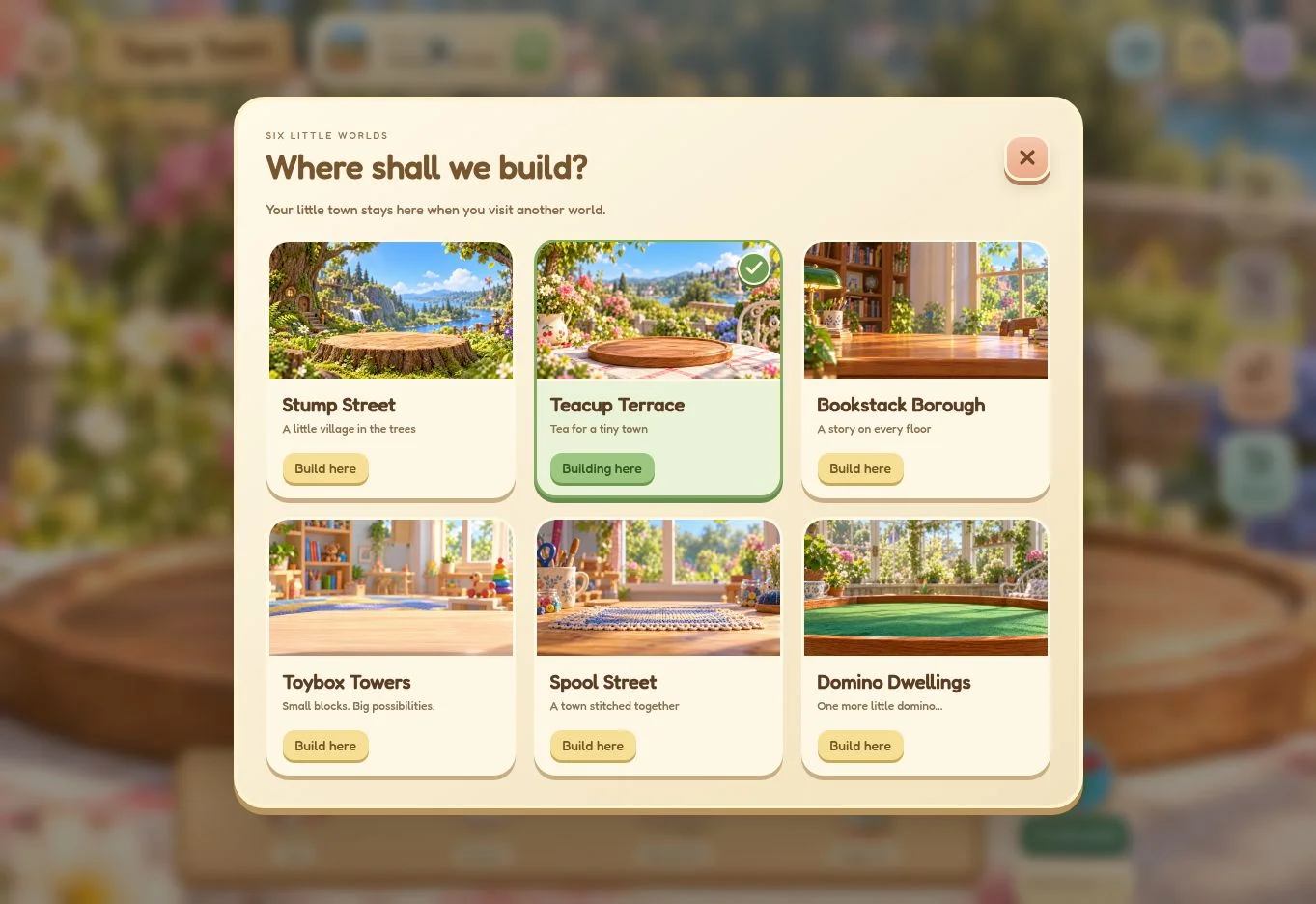
Follow a picture guide
Play with your child for the first few sessions. Choose a ready-made design together and follow its steps, letting your child try the controls. You can learn as you go.
- Open Pick a world and choose a scene.
- Tap Ideas and choose one of its picture guides. The simpler builds come first.
- Follow the glowing tray piece and landing spot. Steer the piece into place, then release it or tap Drop.
Show me demonstrates the next move. Place it adds the next piece for you. Use either whenever a step feels tricky.
Place and balance
My own way hides the guide so your child can change the design or add an idea. Show the guide brings it back.
Choose Ideas → Build my own for free building. Tap a tray piece, steer it, and drop it. Tap a placed piece and use Turn to rotate it. Undo lets you try again.
A green landing preview suggests a steadier position; orange suggests it may wobble or tip.
Try the wind
Start with Gentle breeze, then tap Try the wind. Build it back restores the town afterward. Stronger gusts are optional.
Ask “What could make it steadier?” Change one thing and try again.
Undo, clear, or reset
Clear empties this world, or restarts the current guide. Reset restores the starter tower in your own town. Undo can recover either change.
Each world remembers its town in this browser when storage is available.
Off screen, compare a wide and a narrow tower made from child-safe blocks.