Build a number in Number Workshop
Combine groups of blocks, rearrange or stack them, and find different ways to make a total.
Updated October 11, 2026Open the game ↗Build your first number
- Look at the number beside Build. Tap it to hear the request.
- Tap a bowl to add its group, or drag the group onto the sand.
- Add more groups until their blocks make the requested total.
- Tap Check my number.
Count the blocks, not the bowls. A group of three and a group of two make five blocks. If you have too many or too few, change the groups and check again.
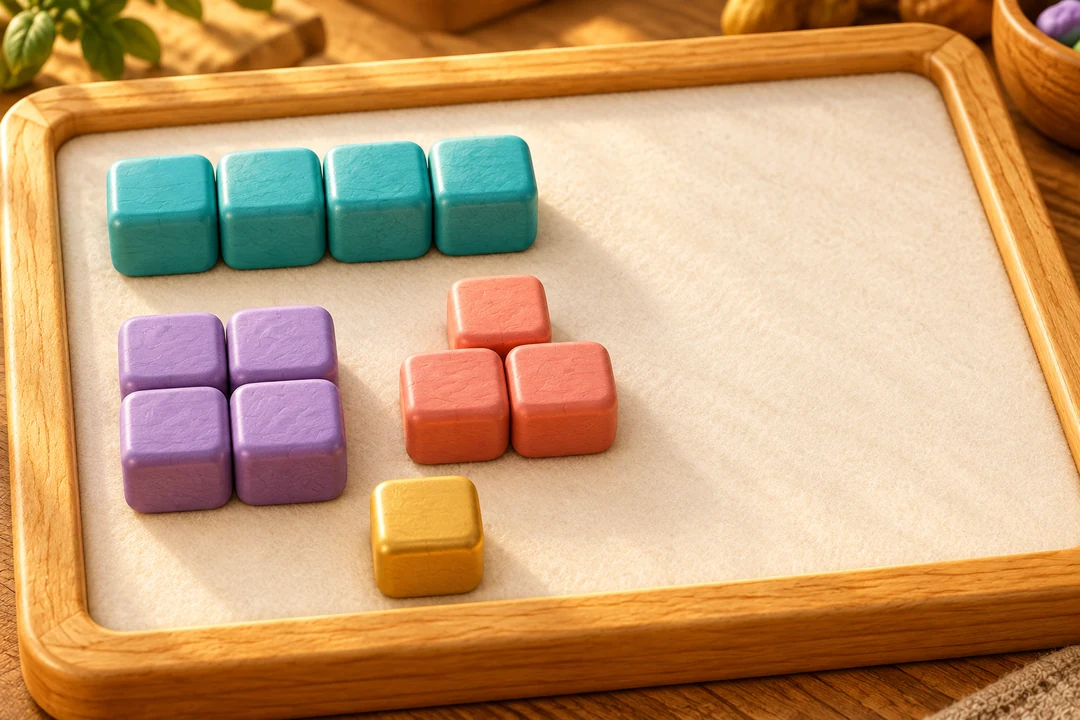
Move and stack your groups
Drag a group across the sand to move it. Drop it directly onto another group to stack it. Drag the upper group away to separate it again. You do not need a stacking switch.
The number of blocks stays the same when you move or stack them. Blocks underneath still count.
Each round varies its direction. Use Across or Up & down beside the block bowls to change the direction for that round. The bowls offer different patterns over successive rounds.
Take blocks away
Drag a placed group back to the bowls to remove it. You can also select a group and tap Delete. If the group carries other groups, they come away with it.
Undo restores the last change. Clear all empties the sand so you can try another arrangement for the same number.
Choose the range and continue
Open Workshop settings and choose 1–10 or 1–30. The starter range is 1–10. Changing the range starts a new round.
After matching the number, choose Next number. There is no timer. The current workshop and progress can be restored in this browser when storage is available.
What to notice together
Ask “How many are in this group?” before counting the whole build. Then ask “Could you make the same number another way?” For five, compare three and two with four and one.
Try it off screen with large blocks. Move two groups together, pull them apart, and talk about the parts and the whole.