⌂ Games
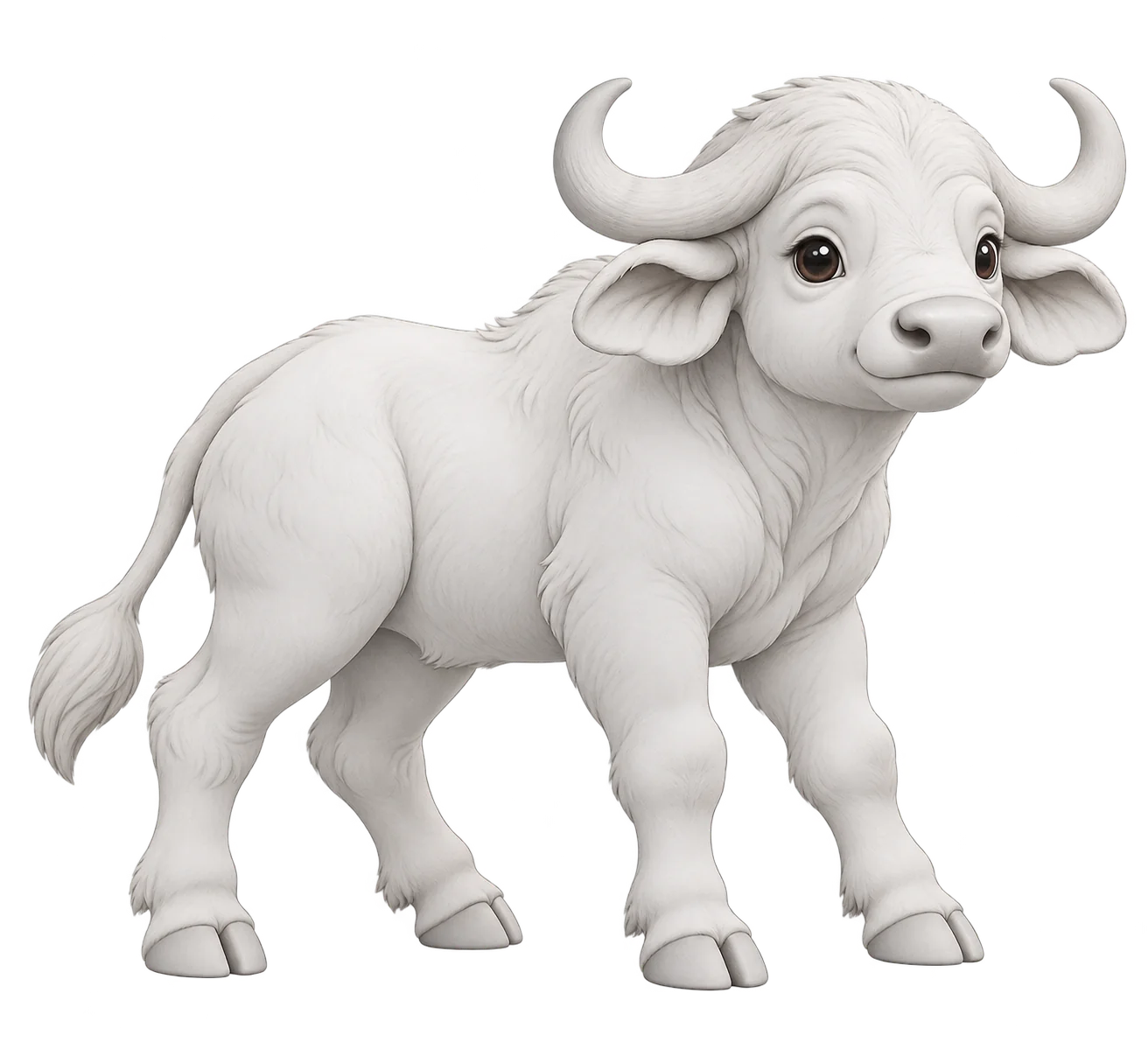
WonderWildA buffalo ready for your colors

A little color. A whole new world.

Opening the paint box…

Your friends. Your colors. Anywhere you imagine.

GamesWonderWild

Opening your paint box…

YOUR LITTLE MASTERPIECE

Buffalo

Pick a color. Make it yours.

Your colors, your rules.
MIX A LITTLE MAGIC

Wings for Buffalo

Choose wings, then bring your friend to life.

WHO WILL YOU MAKE TODAY?

Add a little friend

Tap a new friend to add it. Tap one already on your page to select it. Each friend keeps its own colors.

EVERY FRIEND IS WELCOME

Choose their little world

Swim through the woods or fly over the sea. Every friend keeps its own moves!

A little color. A little wonder.

  1. Choose a friend. Tap + Animals to add friends to your page. Tap a friend to paint it; × takes it off the page and keeps its saved colors.
  2. Make it yours. Pick a paint pot and brush across the animal. Fill colors one part at a time: touch an ear, a wing or a foot and it lights up before you let go. Choose a pattern for stripes, dots, scales or stars. Tap the paw for Whole to pour paint over everything. The pink eraser removes paint where you rub.
  3. Paint the picture. Your colors travel onto your 3D friend. Use two fingers to zoom in for small details.
  4. Pick a world together. With two or more friends, the world button appears at the top. It starts with the first friend’s home. Everyone can play anywhere!
  5. Mix a little magic. Choose Magic wings, pick a pair and try the size slider. Each friend keeps its own wings. Choose No wings to return to its usual moves.
  6. Bring it to Life. All your friends wake up together. Choose a friend with its picture, then tap a place to guide it. Drag to look around. Choose Explore and drag to travel as far as you like. Follow brings you back to your selected friend. Try its special move!
  7. Listen to the grasslands. Golden Grasslands has its own music button. Switch it on or off whenever you like; it pauses with the game.
  8. Keep creating. Back to painting keeps every color. Undo fixes the last stroke. Clear paint gives one friend—or everyone on the page—a fresh start.

No right colors, scores, or timers. Your paint is saved on this browser when storage is available.

Best with a tablet or a bigger screen. Use two fingers to pinch and zoom while painting. In a world, arrow keys guide your animal and Space triggers its special move. Two-finger drags (or Shift-drag with a mouse) explore the map; pinch to zoom.

Grown-up play guide →

Clear paint

Your friends stay on the page. Undo restores each friend’s paint.