Shapes
Make anyone you like, or follow a little picture guide one piece at a time.
Tap Shapes, Faces or Parts to open the box, then tap a piece to drop it on the board or pull it up out of the box to put it where you like. Drag a piece to move it; whatever lies on it comes too. Tap a piece to make it bigger or smaller, turn it, flip it, tuck it under, copy it or paint it with the trays at the sides; Brush draws on it. On a touchscreen, swipe along the wooden edge to turn the table; pinch with two fingers to zoom. With a mouse, drag empty space to turn. The Turn table button and arrow keys also turn the view. Bring to life (bottom right) stands your friends up to play; pieces that touch make one friend. The blue Back to making button lays them down just as you made them. Undo is bottom left. Each visit starts with an empty board. Choose Ideas whenever you want a picture guide.
This device can’t show the 3D craft table right now, but you can still look through every guide.
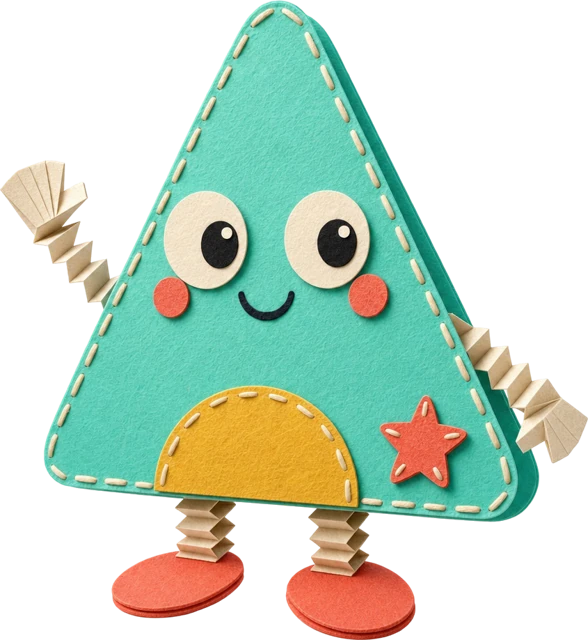
 A few little shapes. Somebody only you could make.
 Cutting out the shapes…